
Don’t miss a thing – Sign up for the Lil’ Luna Newsletter today!
There have been several people who have asked me to show how to add text to pictures easily.
It begins with the FONT.
There are so many places to download great fonts like:
How to Download and Install Fonts:
To download a font, go to one of these websites and download the fonts you like. For the Temple Blocks, I downloaded the SCRIPTINA font on 1001freefonts.com. Press DOWNLOAD. Put it in a file you that you will remember like a FONTS file on your Desktop so it’s easily found. (To do that, create the folder before you download the font).
Open the font after it is saved, select the font file and double-click (or press EXTRACT).
From there you will press INSTALL once the font shows up OR you will go to your CONTROL PANEL, and open the FONTS FOLDER. Depending on your computer, you can go to FILE and then to INSTALL NEW FONT or just right click in the folder and press INSTALL NEW FONT.
Find your font depending on where you saved it, SELECT it (or select several if you downloaded more than one font), and it should appear under LIST OF FONTS.
Select those and press INSTALL.
You should be set now. 🙂
Now, you need to download a picture editing program.
Google’s free program is PICASA, which can be downloaded HERE.
Once Picasa is downloaded and set up, open it up.
There you will see all your picture folders on the left-hand side.Click on a folder to see a specific picture. If you want to edit that picture, double-click on it.
Under the BASIC FIXES tab (on the left), you will see a button you can click on called: TEXT.
Click on that and scroll to the font you want. You can also Edit the SIZE, COLOR, make it BOLD. When you are done press APPLY.
When you are all done, go BACK TO LIBRARY (on top left) and SAVE your pic (which you can do by clicking on the picture of a disc under your picture folder).
And that’s it.
Now you can add any text to a picture.
For Example:

{For a link to the temple pics with no words, go HERE}
For more great free fonts, check these out:
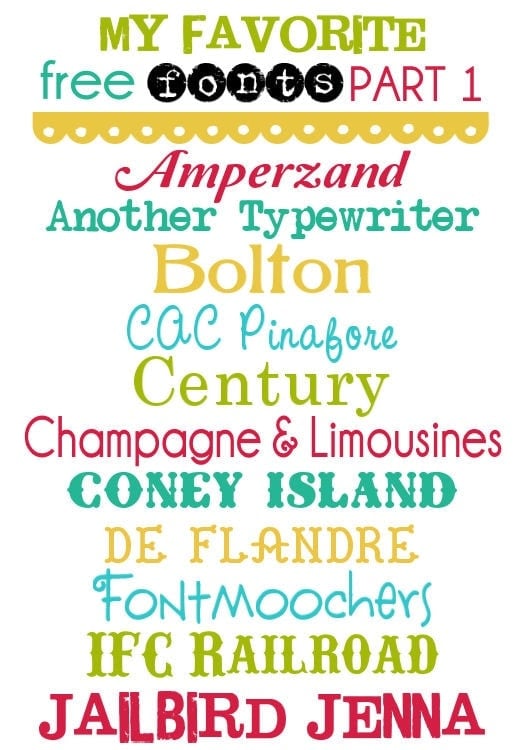
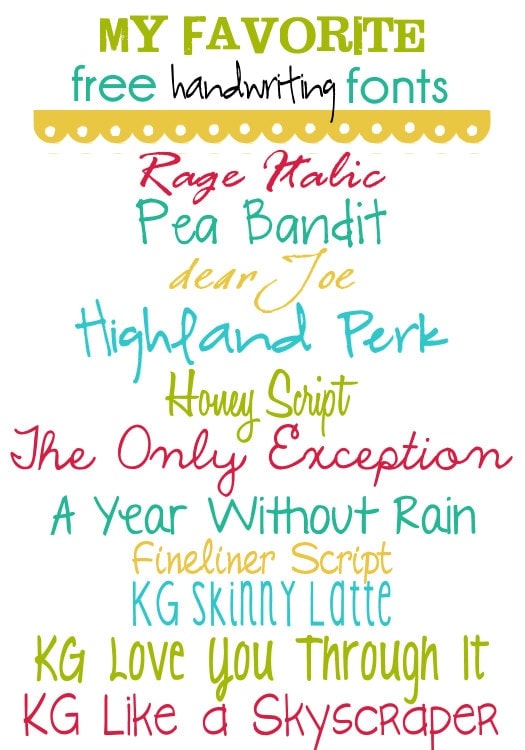
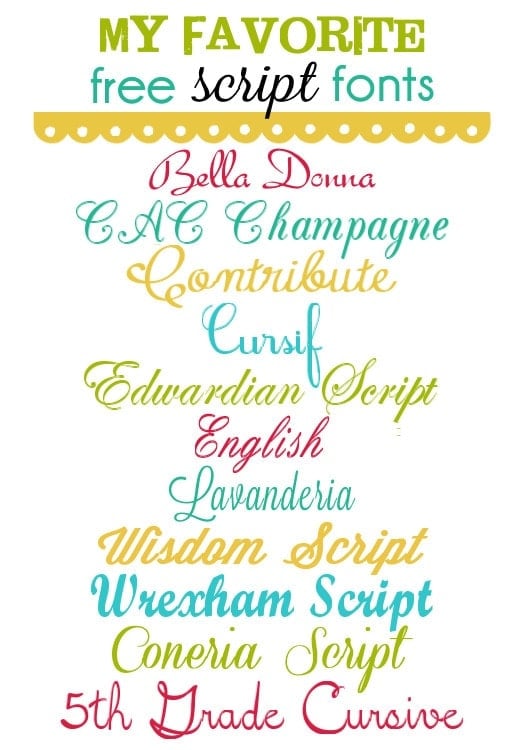
ENJOY!




With Windows 7, you have to drag & drop the font from your Desktop to your Control Panel->Font folder. It's a question that may arise when people can't find the select option 🙂
Hi Kristyn! Thanks for the tips. I love learning new stuff to enhance my blog or life. I didn't know this.~Makalani
My font ends up grainy how do you get yours so bold and prominent.
This is SO helpful. Thanks 🙂 I NEED to know the name of the font on your home page. The one that is used for the words "tutorials", "link parties", and "blogs I love". So cute! Thanks in advance!
Thank you for teaching me how to add text to my pictures! I had no idea how simple it was, your instructions made it so I am now able to edit my own pictures! THANK YOU SO MUCH!
Now I am going away to do my breakfast, after having my
breakfast coming over again to read other news.
I would not recommend using Font Garden because when you try to download a font it wants to download an .EXE file which could contain viruses. I would do a Google search and find the font somewhere else! NEVER download .EXE from a font site!
Say a prayer–I’m technophob-this sounds too good to be true–still learning about dragging & dropping, jpeg, yada, yada. I’m going to be a first time grandmother & my daughter needs my help desperately. My mother was an artist & I inherited some of her genius, but if she were still here, this computer would be somewhere between the back deck & the creek right now
I would really love to make a blog but.. I’m not sure what type of blogs get the most traffic? What kind of blogs do you surf? I mostly surf photo blogs and fashion blogs. Just getting a poll here thanks!.
Ok so i tried to download a font and I had to pay for it. It does not give me any option to install the font . what do I do;..
I have downloaded one of these donts, and it’s required to purchase before I can actually use it? I guess they aren’t really free??
Hi, I just read your post on how to download and install fonts. I love the step by step instructions, thank you as I am not very good on computers so I have my husband help me with a lot of things.
I also read on downloading a picture editing program. I clicked on the HERE to go to PICASA and it told me that they have retired that program. no longer available. Is there another program like this that will allow me to put script on my pictures?
How do you download fonts using an iPad?
I would look it up online. It’s kind of hard to explain in a comment, but it should be easy to understand, if you look it up 🙂 Hope you find out..let me know if you try & still have problems 🙂
Thanks for all your help!
You are so welcome!